
Background and Visual Styling
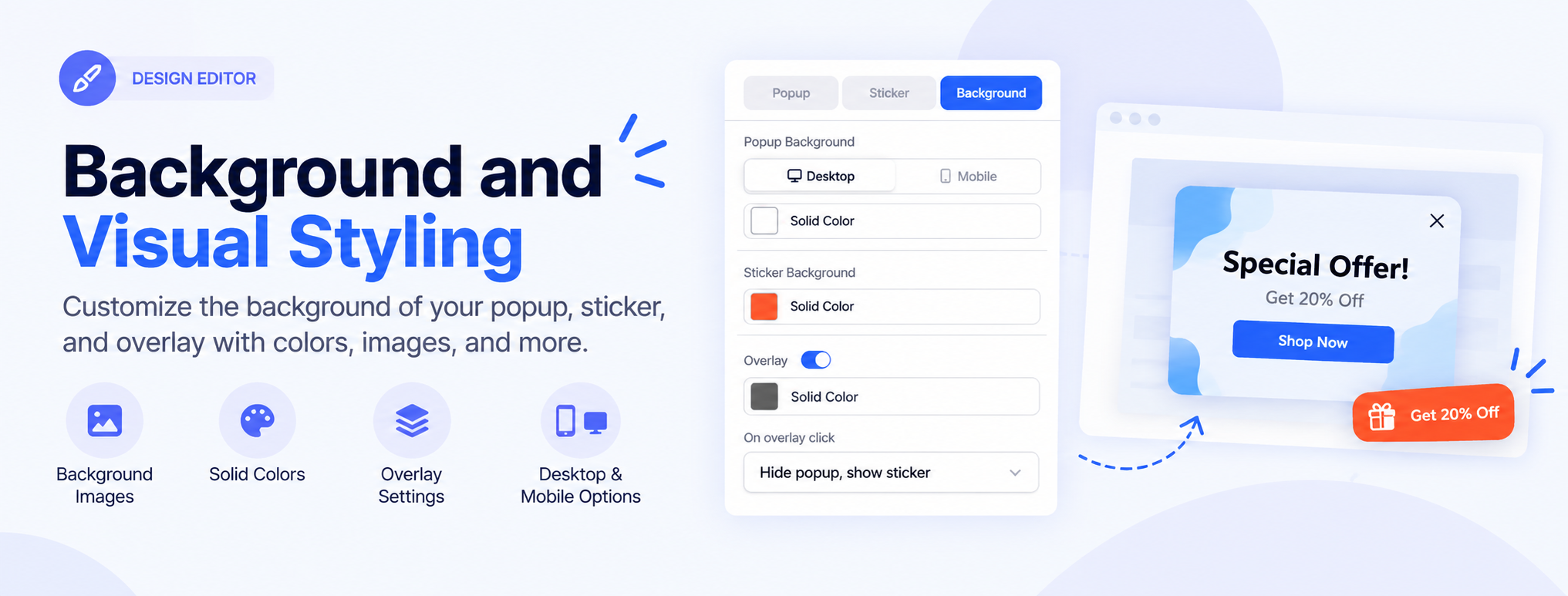
The Background settings control the colors and visual appearance behind your popup and sticker. You can also add an overlay and define what happens when a visitor clicks the overlay.
To access these settings, select the popup and open Custom settings for this step → Background.
For more information about designing your popup, see Design Editor Overview and Popup Design Settings.
Popup Background
The Popup Background section lets you set the background color for the popup.
You can configure the background separately for:
- Desktop — set the background used on desktop devices.
- Mobile — set the background used on mobile devices.
Select the background option and choose a color using Solid Color.
For additional visual styling options, see Background and Visual Styling.
Sticker Background
The Sticker Background setting controls the background color of the sticker associated with the popup.
Select Solid Color and choose the color you want to use for the sticker.
This allows you to visually distinguish the sticker from the popup or match it with your campaign design.
To learn more about configuring stickers, see Working with Stickers.
Overlay
The Overlay option adds a layer over the page behind the popup.
Toggle Overlay on to display the overlay, then select Solid Color to choose its color.
An overlay can help draw attention to the popup by reducing visual distraction from the rest of the page.
For more information about customizing the overall popup appearance, see Popup Design Settings.
On Overlay Click
The On overlay click setting determines what happens when a visitor clicks outside the popup, on the overlay.
You can choose from:
- Hide popup, show sticker — closes the popup and displays its sticker.
- Stop campaign — closes the popup and ends the campaign.
Choose the option that matches the intended visitor experience.
You can also configure other visitor interactions using Configuring Element Actions.
Tip: Use an overlay when you want the popup to stand out from the rest of the page. Choose a subtle color and adjust it so the underlying page remains visible without distracting from the popup.